
Apple Vision Pro is officially getting PC VR foveated streaming, and Samsung Galaxy XR now has the feature via Guy Godin's Virtual Desktop.
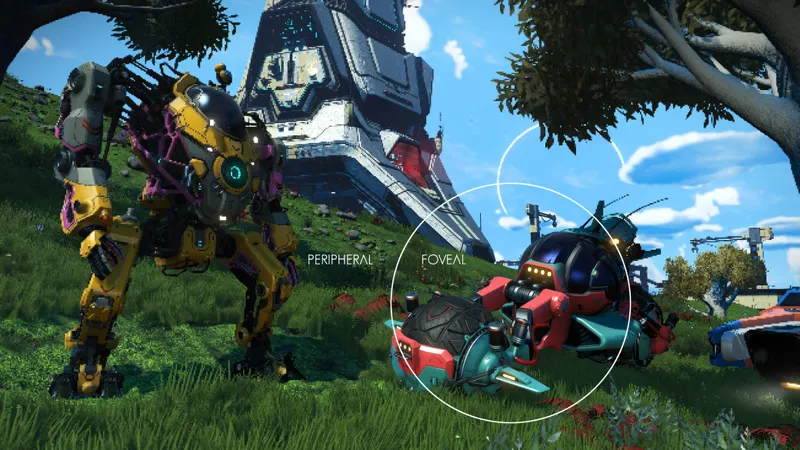
Before you continue reading, note that foveated streaming is not the same as foveated rendering, though the two techniques can be used alongside each other. As the names suggest, while foveated rendering involves the host device actually rendering the area of each frame you're currently looking at with higher resolution, foveated streaming refers to sending that area to the headset with higher image quality than the rest of the frame.
It's a term you may have heard in the context of Valve's Steam Frame, where it's a fundamental always-on feature of its PC VR streaming offering, delivered via the USB PC wireless adapter by default.
Valve's depiction of foveated streaming.
Given that the video decoders in headsets have a limited maximum resolution and bitrate, foveated streaming helps prioritize resolution and compression quality where you're currently looking.
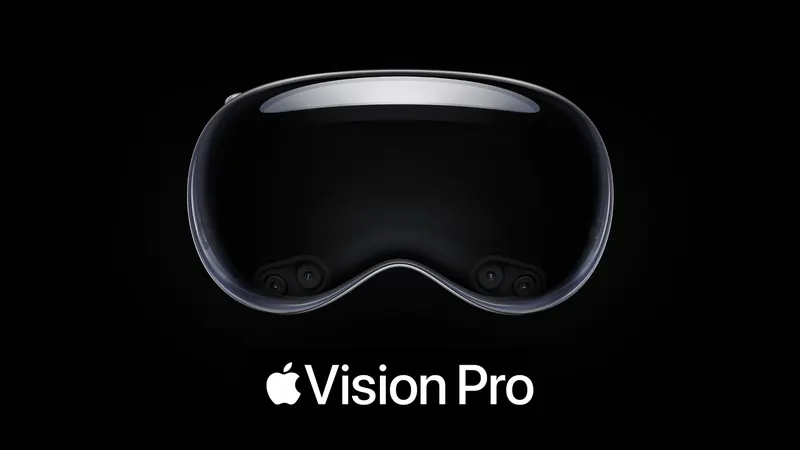
Apple Vision Pro: visionOS 26.4
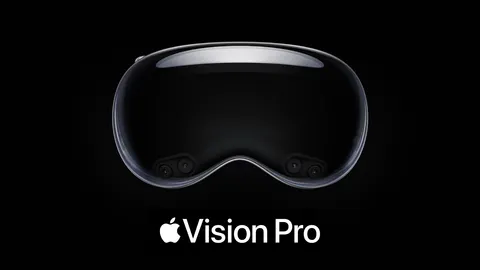
visionOS 26.4 will bring foveated streaming to Apple Vision Pro, enabling higher-quality wireless VR remote rendering from a local or cloud PC.
Unlike the macOS Spatial Rendering introduced in the main visionOS 26 release last year, which is a relatively high-level system that only supports a local Mac as a host, Apple's developer documentation describes the new Foveated Streaming as a low-level host-agnostic framework.
The documentation highlights Nvidia's CloudXR SDK as an example host, while noting that it should also work with local PCs. Apple even has a Windows OpenXR sample available on GitHub, which to our knowledge is the first and only time the company has even mentioned the industry-standard XR API, never mind actually using it.
 David Heaney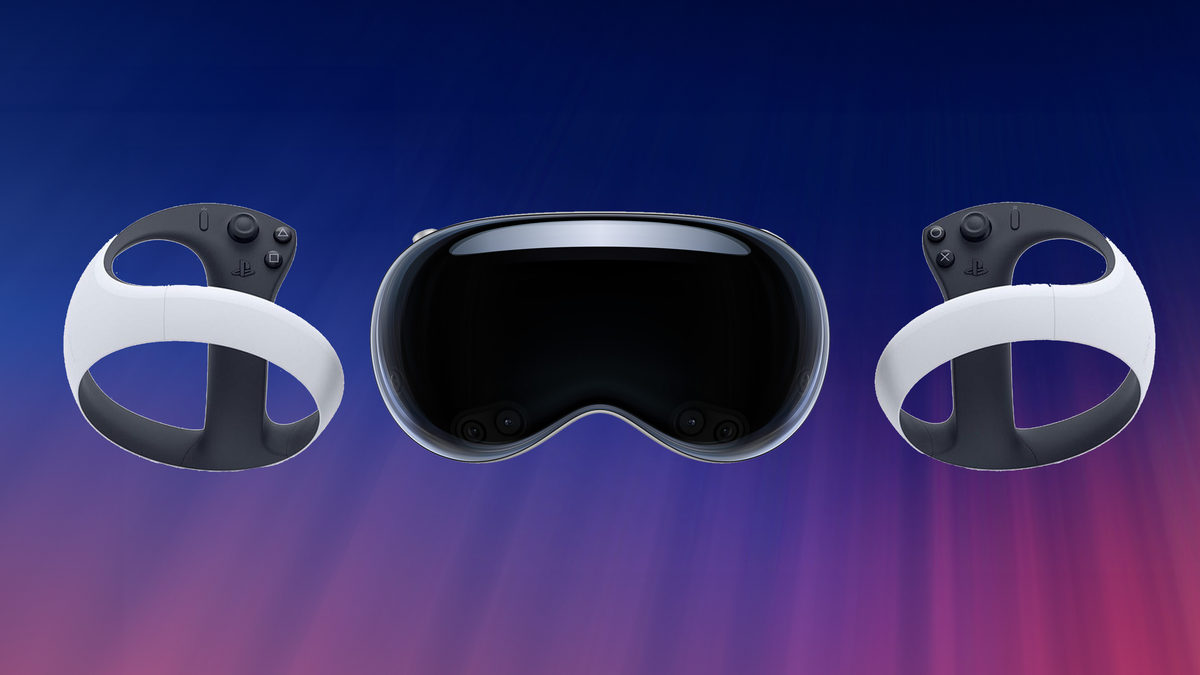
The lead developer of the visionOS port of the PC VR streaming app ALVR, Max Thomas, tells UploadVR that he's currently looking into adding support for foveated streaming, but that it will likely be "a lot of work".
Because of how the feature works, Apple's foveated streaming might even enable foveated rendering for tools like ALVR.
Normally, visionOS does not provide developers with any information about where the user is looking – Apple says this is in order to preserve privacy. Instead, developers only receive events, such as which element the user was looking at as they performed the pinch gesture. But crucial to foveated streaming working, the API tells the developer the "rough" region of the frame the user is looking at.
This should allow the host to render at higher resolution in this region too, not just stream it in higher resolution. As always, this will require the specific VR game to support foveated rendering, or to support tools that inject foveated rendering.
Clip from Apple's visionOS foveated streaming sample app.
Interestingly, Apple's documentation also states that visionOS supports displaying both rendered-on-device and remote content simultaneously. The company gives the example of rendering the interior of a car or aircraft on the headset while streaming the highly detailed external world on a powerful cloud PC, which would be preferable from a perceived latency and stability perspective to rendering everything in the cloud.
We'll keep an eye on the visionOS developer community in the coming months, especially the enterprise space, for any interesting uses of Apple's foveated streaming framework in practice.
Samsung Galaxy XR: Virtual Desktop
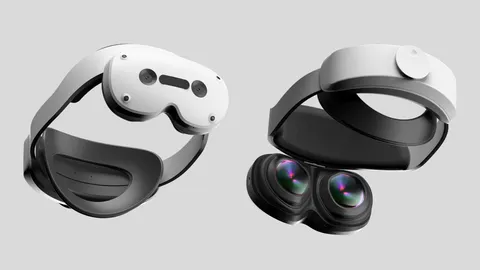
Meanwhile, Samsung Galaxy XR is getting foveated streaming via Guy Godin's Virtual Desktop, a $25 third-party app available on Google Play.
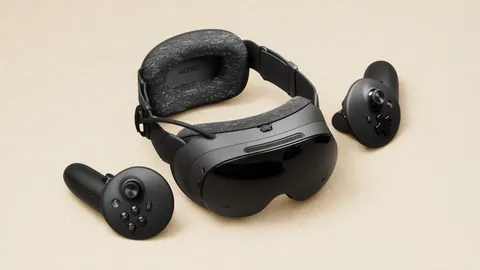
Virtual Desktop's latest update also brings foveated streaming to Meta Quest Pro and Play For Dream MR, though this is less notable as those headsets could already achieve foveated streaming through Valve's Steam Link.
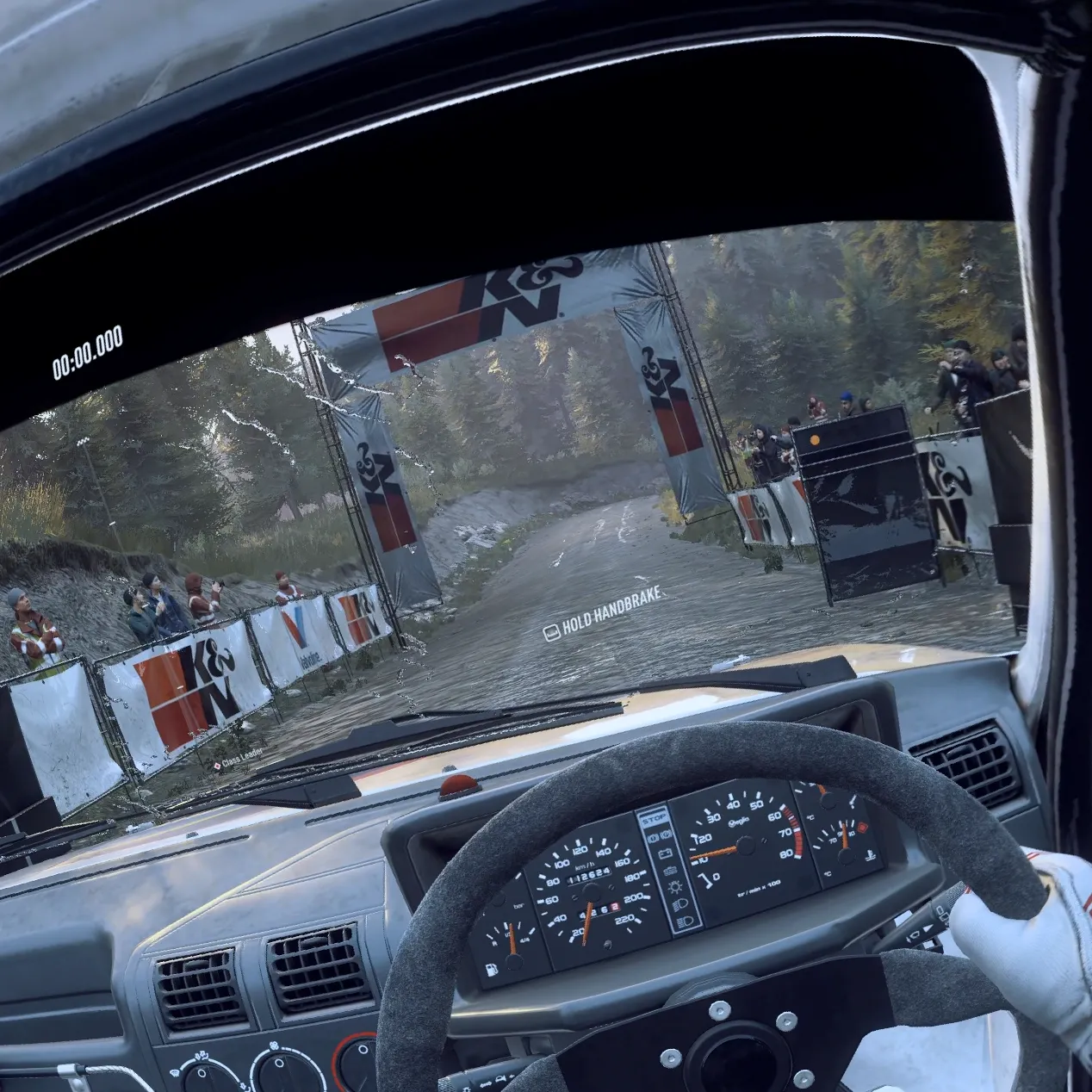
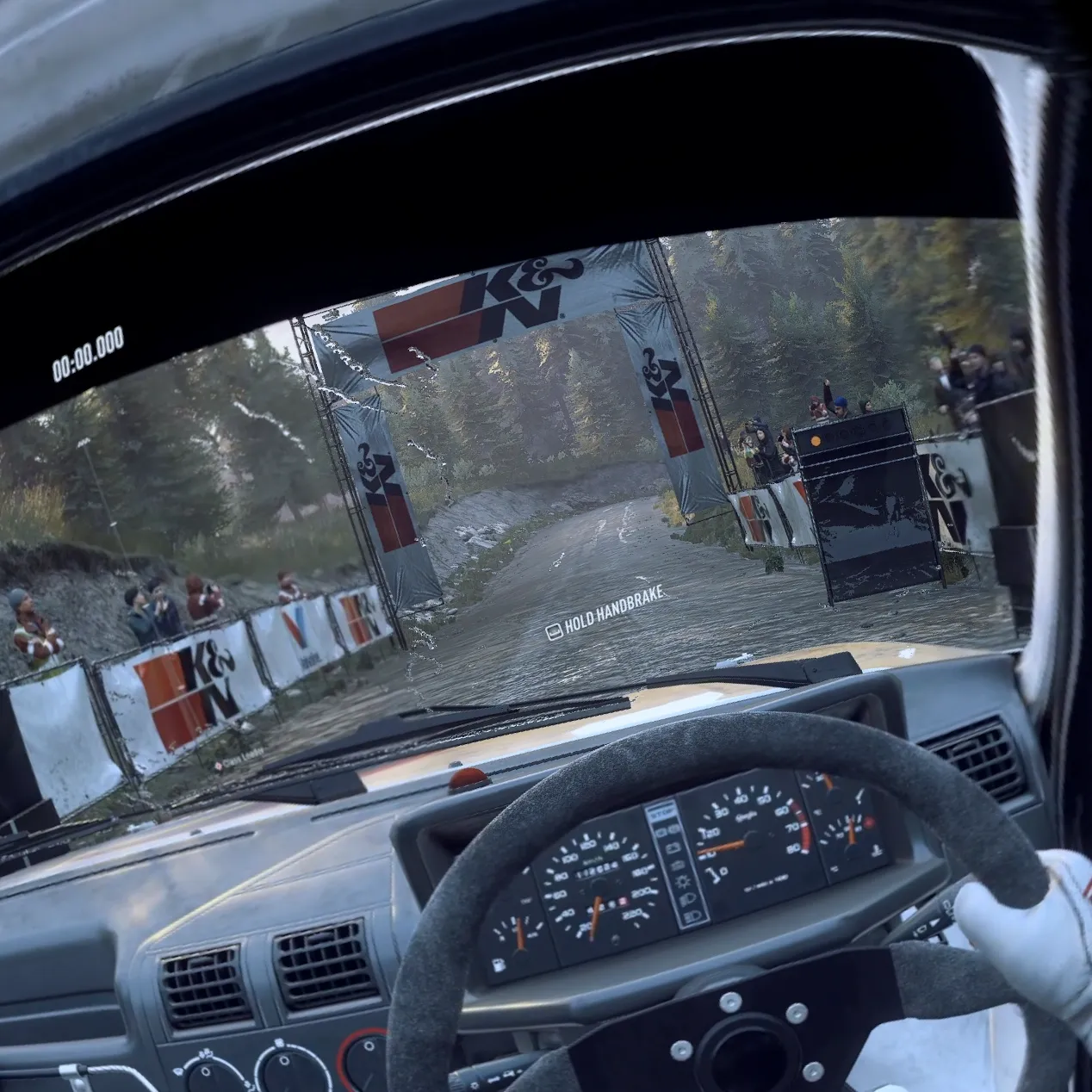
Virtual Desktop without foveated streaming (left) and with it (right).
The feature should also work on any future eye-tracked headset where Virtual Desktop is available, Guy Godin tells UploadVR.
Here's the full changelog for Virtual Desktop 1.34.16:
• Added Foveated streaming with eye tracked headsets (Quest Pro, PFD & Galaxy XR)
• This uses eye tracking to improve the quality of the image where you are looking.
• Improved color gradients and color accuracy with all codecs by using the full RGB color range instead of limited range (for desktop and PCVR)
• Added 96 fps and 100 fps support on Quest 2, 3/3S (only available on Quest v85 PTC)
• Added Gamepad vibration support (also for controllers when emulating gamepad)
• Added adaptive quantization support with AMD GPUs using H.264/H.264+
• Improved initial connection reliability (for real this time)
• Added 21:9 resolutions for virtual monitor on macOS
• Improved thumbstick scroll on macOS and now it respects the natural scrolling option
• Fixed distorted image with some laptop monitor resolutions
• Fixed rare black flash issue when playing some PCVR games
• Fixed hand joints offsets and interference with other drivers in SteamVR
• Fixed compatibility with Roblox anti-cheat
• Fixed more issues with AndroidXR invalid controller poses
• Fixed button support for some recent UE5 games
• Fixed reprojection stutters with some Unity (OVRPlugin) games